
Knowledge Base Articles and FAQs
https://mikecarneygroup.freshdesk.com/support/home
Contact Support:
Support@mikecarneygroup.freshdesk.com
T: 0747594233 – John Manio
This guide will help the new starters to setup their computer.
Login using the given computer credential. (Please refer to the document or email provided by HR or your manager.)
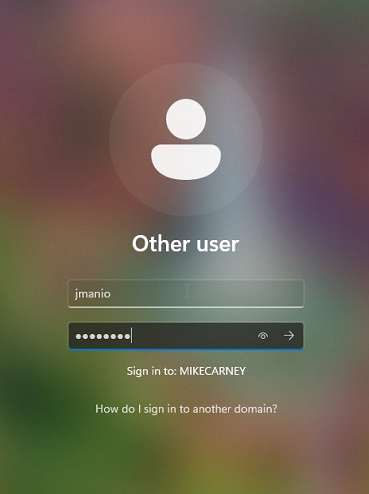
Once you login, you should see the desktop. Open Outlook app to begin with. (Choose between Outlook Classic or New Outlook)
Login using your email credentials and follow the prompts. Outlook will open once you signed in.
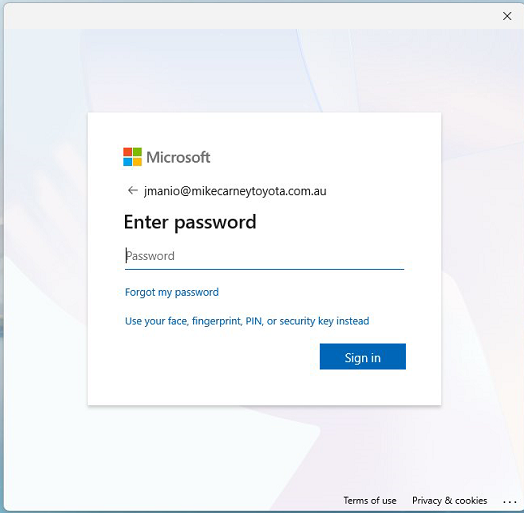
You can do these following guides to completely setup your account and computer.
Common Websites:
RevNext: https://mikecarney.revolutionnext.com.au/next/static/auth/login.jsp
Podium: https://app.podium.com/home
TIPT Call Centre Agent Login: https://icallcentre-s.tipt.telstra.com/callcentre/
AlgoDriven(Chrome or Firefox): https://dashboard.algodriven.co/sign-in
WorkForce TNA: https://mct.workforcetna.com/Account/Login?ReturnUrl=%2F
RedMap: https://home.smartcloud.com.au/
Super Triage: https://login.superservice.com/login/en-gb/?goto=https:%2F%2Flogin.superservice.com%2F